Table of Contents
- Enabling Tap to Pay on iPhone for Your Business
- Preparing Your Business for Contactless Payments on iPhone
- Contacting The POS Brokers for Your Merchant Account
- Selecting the Right POS Hardware and Software for Tap to Pay
- Completing Your Merchant Account Setup
- Activating and Configuring NFC Payment Capabilities
Enabling Tap to Pay on iPhone for Your Business
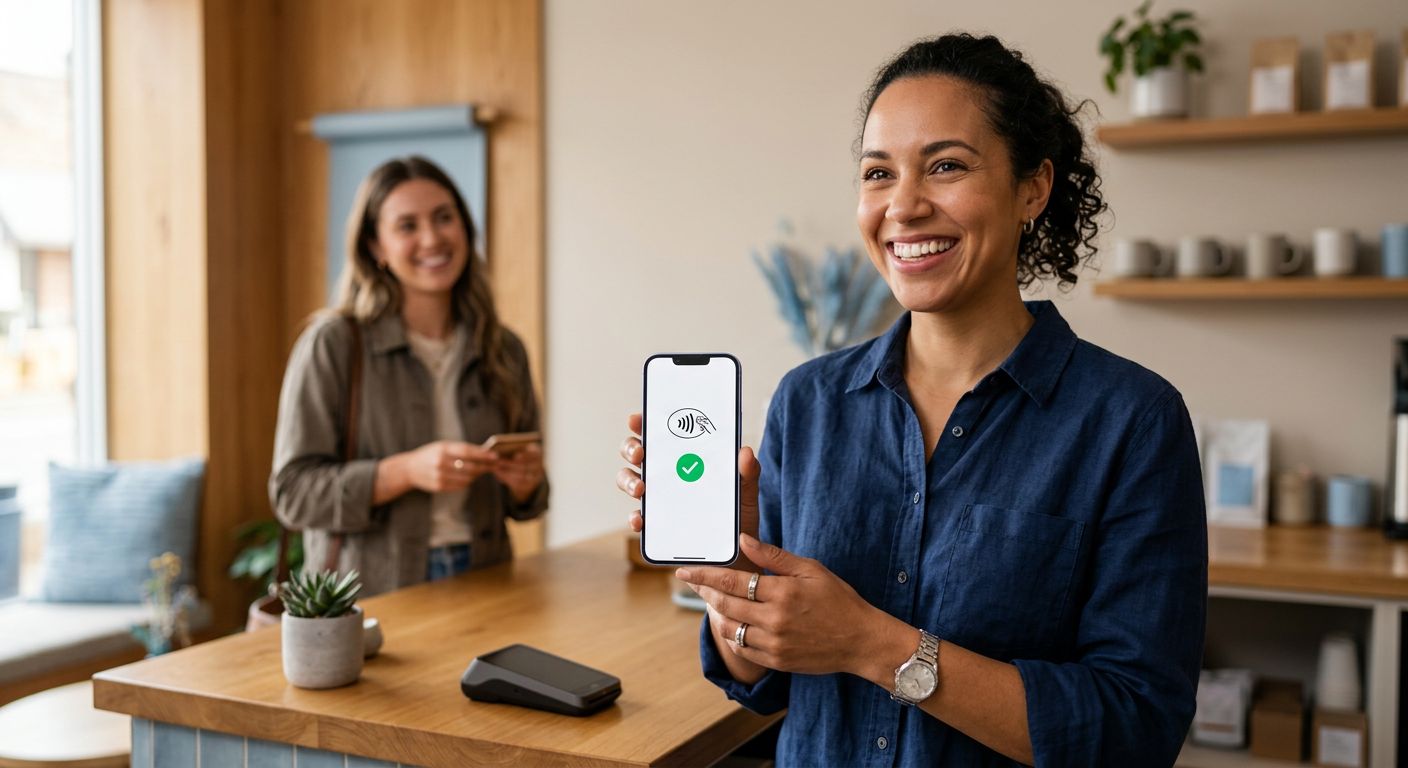
To start accepting contactless payments, enabling Tap to Pay on iPhone for your business requires a compatible iPhone XS or later running iOS 15.4 or newer and a supported payment app. This innovative capability turns your device into a secure payment terminal that uses NFC payment technology to accept credit and debit cards, Apple Pay, and other digital wallets without any additional hardware.
The setup is straightforward: open your compatible POS app, select the Tap to Pay option, and follow the in-app prompts. For merchants, this means lower upfront hardware costs, faster checkouts, and the flexibility to serve customers anywhere—from a retail counter to a curbside pickup lane. The contactless payment processing is secure, with NFC encrypting transaction data at the point of interaction, delivering the same security standard as dedicated terminals.
We can help you integrate this feature with your existing POS system as part of a complete payment processing solution. Once enabled, the next consideration is how Tap to Pay security compares to traditional terminals.
Preparing Your Business for Contactless Payments on iPhone
Accepting tap to pay on iPhone for merchants requires a few key preparations to ensure a seamless checkout experience. First, your business needs an iPhone XS or later model with NFC capability, as this technology enables contactless payment processing directly from your device. Additionally, you will need a compatible POS system—such as Clover systems we provide—that supports NFC payment technology and integrates with your business workflow.
Next, setting up a merchant account through a provider like ThePOSBrokers is essential. A merchant services provider for small business can help you establish both the merchant account and the payment processor connections needed for tap-to-pay transactions. We simplify this process, handling underwriting and pairing you with a processor that supports iPhone-based contactless payments.
Finally, train your staff to assist customers with using tap-to-pay and run a small test transaction to confirm everything works smoothly. Testing ensures customers have a smooth experience and catches any integration issues early.

Prepare your business for contactless payments with four simple steps.
With these steps completed, your business is ready to accept contactless payments quickly. Your partner for better payment processing is here to support you throughout the setup process. We offer same-day setup and next-day deposits, so you can start processing transactions without unnecessary delays. Contact us today for a consultation and to explore competitive rates designed for your business.
Contacting The POS Brokers for Your Merchant Account
Ready to enable tap to pay on iphone for merchants in your business? Contact us today and let our team at JCIG, LLC. DBA POS Brokers set up your merchant account for seamless contactless payment processing. We help businesses accept credit cards both online and in-store, leveraging modern nfc payment technology to keep your transactions fast and secure.
Once your account is active, you can easily manage daily activity through your square dashboard login. As your partner for better payment processing, we offer Free Clover Placements for qualifying merchants and a straightforward No Cancellation Fee policy. Click here to qualify for your FREE POS System and discover why we deliver truly competitive rates without locking you into long-term contracts.
Get the Best Credit Card Processing Solutions for Your Business with shipping within the United States only. Merchant must qualify for free or discounted hardware.
Selecting the Right POS Hardware and Software for Tap to Pay
Adopting tap to pay on iPhone for merchants is a logical next step in modernizing your customer experience. We help you navigate the selection process by focusing on compatibility and security. The core requirement is that your device supports NFC payment technology, which enables fast, secure transactions.
Your POS software must also integrate with this contactless payment processing method. Leading platforms we support, such as Clover, Revel, and ShopKeep, are designed to work seamlessly with Tap to Pay. To help you get started, we offer opportunities like Free Clover Placements for businesses that qualify with a new merchant account. For any hardware or software you are considering, meeting pci compliance for payments standards is non-negotiable to protect customer data. Consulting our internal resources, like the Square Dashboard FAQ, is a great step for managing your transaction settings once established. We set you up with the right tools, so you can start accepting payments efficiently and move on to optimizing your new system.
Completing Your Merchant Account Setup
Now that your application is approved, you can take the last steps to enable contactless payment processing, including tap to pay on iPhone for merchants, so your business is ready to accept every popular payment type. We handle the underwriting approval, but you still need to submit a few documents and confirm your equipment is working correctly. The activation timeline is typically 24 to 48 hours once all required paperwork is submitted, according to The POS Brokers’ support team.
The following documents are needed to finalize your merchant account:
- A valid business license or equivalent registration document
- Voided check or bank verification letter for your business bank account
- Your federal tax ID (EIN) or Social Security number for sole proprietors
After we confirm your submitted documents, we recommend running a live transaction to test the terminal and gateway. Verify that NFC payment technology and contactless readers are enabled on your account—this confirms tap to pay on iPhone, contactless cards, and mobile wallets all work before your first customer arrives. If anything doesn’t respond as expected, reach out to our support team at 888-536-9879 for immediate assistance.
Once the test transaction settles, you are ready to begin processing payments immediately — the account is active and your hardware is fully provisioned.
Activating and Configuring NFC Payment Capabilities
Getting started with tap to pay on iPhone for merchants involves straightforward activation and hardware setup. We provide a range of NFC-ready terminals—including the Clover Mini, Ingenico iCT 220, and Clover Go—all supporting contactless payments with built-in security. Activation is free, requires no contract, and comes with same-day provisioning once your merchant account is approved (qualification required for free hardware). We’ll help you determine if you need a dedicated terminal or can use your iPhone’s native Tap to Pay capability.
Contact our support team to begin. We’ll guide you through account setup, verify hardware eligibility, and walk you through the software configuration on your POS. Follow our detailed activation guide, available on our website, for step-by-step instructions. Ensure your configuration aligns with us payments ecosystem standards to stay compliant and secure. We’ll also review important settings like transaction limits and receipts. Your partner for better payment processing, we streamline the process from application to transaction. After configuration, your system is live—ready to accept fast, secure tap to pay.
Integrating Tap to Pay with Your Point-of-Sale System
Once you understand what Tap to Pay on iPhone offers, the next step is integrating it with your POS system. For many businesses, setting up tap to pay on iPhone for merchants starts with contacting your merchant services provider for small business to confirm your account supports this feature. The primary hardware prerequisite is a compatible iPhone XS or later running the latest iOS, paired with a modern POS platform that has enabled the software module. We work with systems like Clover, Revel, and ShopKeep where integration is commonly supported and straightforward.
The typical setup follows two simple steps:
- Enable the Tap to Pay feature within your POS software dashboard after your provider activates it on the backend.
- Perform a test transaction using a contactless card or digital wallet to confirm everything processes correctly.
This approach eliminates the need for a separate NFC card reader, saving counter space and reducing hardware dependencies. Because NFC payment technology is built directly into the iPhone, every sale leverages secure, encrypted contactless payment processing without additional peripherals. With integration complete, you are ready to streamline your checkout workflow and serve customers faster. Your partner for better payment processing.
Testing Tap to Pay Transactions Before Going Live
Once your hardware is configured, testing Tap to Pay on iPhone for merchants is a critical step before you open for business. We recommend a thorough review to confirm your setup is working correctly and your dashboard is recording activity as expected.
To begin a test, ensure you have a compatible iPhone with NFC payment technology enabled and the latest iOS installed. Open your POS app and initiate a small transaction in test mode so no real funds are charged. Present a contactless credit card, debit card, or a mobile wallet like Apple Pay to the top of the device to simulate a live contactless payment processing scenario. You can then log into your dashboard to confirm the test transaction appears with a pending settlement status, giving you confidence in your setup.
If you encounter common issues like connection timeouts or NFC read errors, first verify your device’s network connection and that no case is blocking the phone’s antenna. As your partner for better payment processing, The POS Brokers’ team is available to guide you through any troubleshooting steps needed before you start accepting live, contactless transactions.
Going Live with Contactless Payments on iPhone
With the fundamentals of contactless acceptance in place, we can now walk through the activation process. Getting tap to pay on iPhone for merchants configured for live transactions is a straightforward sequence that prioritizes security from the start. The first requirement is confirming that your payment hardware and Apple device both meet EMVCo contactless payment specifications, which establish the global benchmark for secure nfc payment technology.
Once compatibility is verified, open your payment service provider’s app and follow their guided setup to enable Tap to Pay on iPhone for your business. After activation, run a live test transaction using any contactless card or digital wallet—this single step confirms the reader, app, and processor are communicating correctly. Should anything appear out of place, reach out to our support team and we will help you review the configuration.
Finally, coordinate with your payment processor to verify your EMVCo certification status. This confirmation closes the go-live checklist and lets you accept contactless payment processing with confidence. With live transactions flowing, we recommend keeping an eye on your settlement reports and noting common troubleshooting tips—topics we cover in the next section.
Troubleshooting Common Tap to Pay Issues
For merchants using tap to pay on iPhone, occasional hiccups can still occur in an otherwise smooth contactless payment processing flow. Below are common problems and straightforward fixes.
- Transaction failures – Make sure your iPhone’s NFC is activated and that your device (XS or newer) supports Tap to Pay. A simple restart often resolves temporary software glitches affecting NFC payment technology.
- NFC reader connectivity – Remove thick cases or nearby metal objects that may interfere with the signal. Checking for iOS and app updates can also address compatibility issues.
- Payment declines – Confirm a stable internet connection (Wi-Fi or cellular) and verify with your payment processor that no account holds or limits are in place.
- Device overheating/drain – Extended NFC use can warm your iPhone. Let it cool down and close unused apps to preserve battery life during high-volume transactions.
We recommend aligning your practices with the PCI Security Standards Council guidelines, which detail encryption and secure element requirements for mobile payments. The U.S. Payments Forum also shares deployment best practices and common pitfalls that can help diagnose persistent challenges.
If basic fixes do not work, reach out to your payment processor or POS provider for assistance—they can pinpoint account or integration issues. As a first step, resetting network settings (Settings > General > Reset > Reset Network Settings) often clears connectivity faults.
For merchants using tap to pay on iPhone for merchants who still encounter trouble, we encourage you to contact our support team for further help. Continue to the next section for strategies on optimizing your payment performance.
Start Accepting Tap to Pay on iPhone with The POS Brokers
Tap to Pay on iPhone lets you accept contactless payments directly on your iPhone — no extra hardware required. As your partner for better payment processing, we help you enable tap to pay on iphone for merchants with simple, secure solutions.
Getting started is straightforward. If you have an iPhone XS or newer running iOS 15.4 or later (as confirmed by Apple), you can begin accepting contactless payment processing through your existing POS software. Our team can guide you through the qualification steps so you’re up and running quickly.
Every transaction uses nfc payment technology with Apple’s built-in encryption, keeping your customers’ data protected. Because tap to pay on iphone for merchants eliminates separate card readers, you reduce upfront hardware costs and simplify your countertop. Our competitive rates and dedicated support make it easy to manage your contactless payment processing without hidden fees. Reach out to us today for a free consultation and see if your business qualifies for free hardware placement. Click here to qualify for your FREE POS System and start simplifying your payment experience.
Resources
- Get Full-Service Merchant Solutions for Online and In-Store Payments
- Compare Merchant Services Providers and Payment Processors
- Reset Square Dashboard Password Using Email Verification
- Troubleshoot Square Dashboard Login Credential and Outage Issues
- Compare Clover and Ingenico Payment Hardware for Retail
- Troubleshoot Square Dashboard Login with Network and Password Fixes
- Troubleshoot Square Dashboard Login with Security and Connectivity Tips
- Discover Apple MacBook Air, iPad Air, and Apple Watch
- Find PCI DSS v4.0.1 Standards and Certification Resources
- Understand the U.S. Payments Forum and Payment Ecosystem
- Learn About EMVCo Payment Specifications and Testing Programs