Table of Contents
- Exploring Top Restaurant POS Systems
- Clover POS for Restaurants
- Lavu POS for Restaurants
- Revel POS for Restaurants
- Comparing Leading Restaurant POS Systems
- Selecting the Ideal Restaurant POS System
Exploring Top Restaurant POS Systems
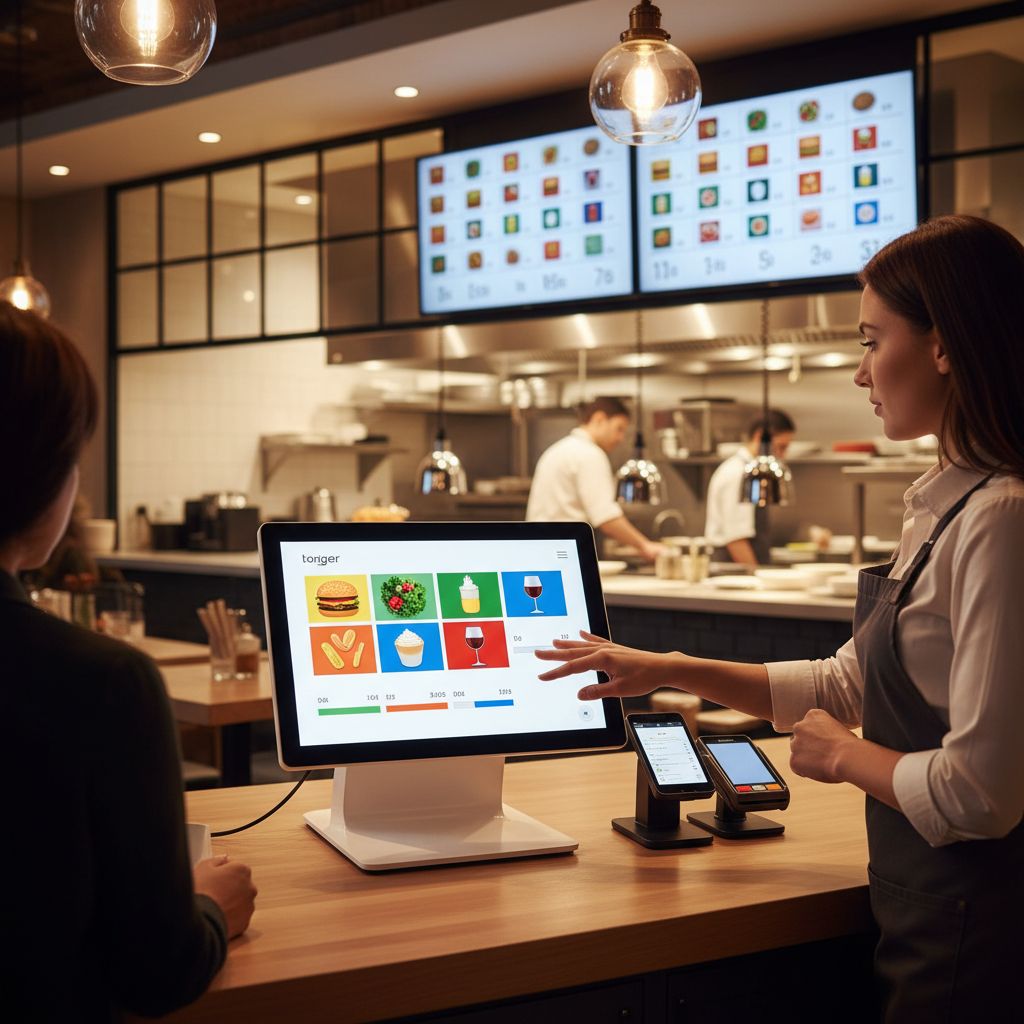
In today’s fast-paced dining industry, a reliable restaurant pos system is essential for streamlining operations and enhancing customer satisfaction. These specialized POS solutions integrate seamlessly with kitchen display systems, track inventory for perishable items to minimize waste, and offer table management features that optimize seating and service flow. As outlined by the U.S. Chamber of Commerce, modern POS systems provide real-time sales tracking and inventory management, making them indispensable for restaurants aiming to boost efficiency and profitability.
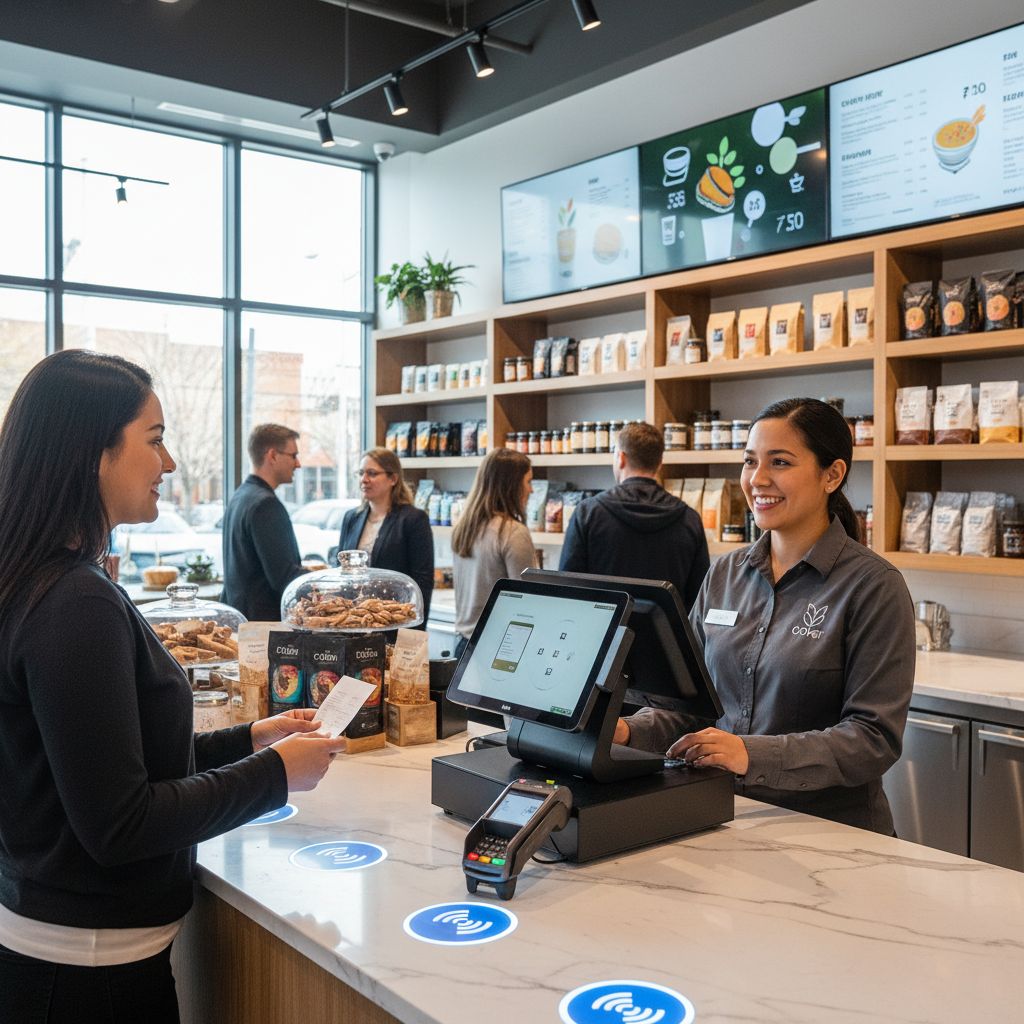
Among the top restaurant POS systems, one standout is the restaurant Clover POS, which we at The POS Brokers recommend for its cloud-based accessibility and customizable hardware options like countertop terminals and handheld devices. This restaurant point-of-sale software supports integrations with third-party apps for online ordering and loyalty programs, enabling real-time sales reporting, employee time tracking, and compliance with standards such as EMV and PCI DSS. According to insights from The POS Brokers, Clover’s versatility suits various eatery types, from quick-service spots to fine dining establishments, serving as an ideal small business pos system for scalability across small cafes to multi-location chains. These POS solutions for eateries reduce manual errors and provide actionable insights to drive better decision-making.
When selecting a POS system, restaurant owners should evaluate factors like upfront costs, ease of setup, and vendor support to ensure long-term value. At The POS Brokers, we emphasize choosing options that align with your operational needs, paving the way for deeper explorations into implementation strategies and customized solutions.
Clover POS for Restaurants
Overview
As a versatile restaurant pos system, Clover POS excels in restaurant environments by managing high-volume orders, table tracking, and seamless integrations. This cloud-based platform supports quick-service and full-service operations, scaling effortlessly for various sizes. According to The POS Brokers’ product details, it streamlines daily workflows for efficiency.
Key Features
Building on this foundation, Clover offers specialized tools like real-time inventory tracking for ingredients, ensuring stock levels stay accurate during busy shifts. Seamless kitchen display system integration speeds up order fulfillment, while multi-payment options handle contactless transactions and split bills effortlessly. Customizable menu interfaces adapt to seasonal items, enhancing service flexibility in restaurant settings. U.S. Chamber of Commerce insights highlight how such restaurant pos system features boost operational speed and customer satisfaction.
Pricing Details
To implement these features, consider the costs: hardware starts at $49 for the Clover Mini, with monthly software from $14.95 for the Register plan. Processing fees are 2.3% + $0.10 per transaction, plus about $500 in setup fees for a comprehensive pos system.
Pros and Cons
While powerful, it’s important to weigh strengths and limitations. Pros include an intuitive touchscreen interface that cuts staff training to under an hour and robust reporting for sales trends, as noted in The POS Brokers’ benchmarks. Cons involve limited third-party app integrations versus competitors and reliance on stable internet. Industry guidance from the U.S. Chamber of Commerce underscores ease of use as a key benefit, balanced against integration challenges for small operations.
Best For
Ultimately, Clover excels for small to medium-sized restaurants like cafes, bistros, and food trucks with under 50 seats. For those seeking a reliable POS systems for small businesses, it provides scalable solutions without overwhelming complexity, though large chains may need more advanced customization.
Lavu POS for Restaurants
At The POS Brokers, we specialize in delivering tailored POS solutions like Lavu to streamline restaurant operations nationwide.
Overview
Lavu stands out as a premier restaurant pos system, emphasizing iPad-based mobile POS with cloud synchronization for real-time data access across multiple locations. This cloud POS for eateries enables on-the-go order taking and inventory tracking, ideal for dynamic restaurant environments. According to The POS Brokers, such systems boost staff efficiency in quick-service settings.
Key Features
Lavu’s restaurant pos system excels with table-side ordering via handheld devices, cutting wait times and enhancing customer service. Advanced reporting tools provide sales analytics and inventory management insights, while seamless integrations support third-party payments, loyalty programs, and kitchen displays. These features, aligned with U.S. Chamber of Commerce benchmarks for payment solutions, allow restaurants to process transactions efficiently and accept modern options like Apple Pay.
Pricing Details
Lavu’s pos system offers monthly subscriptions starting around $50 per device, plus processing fees. Hardware costs, including iPads and peripherals, range from $300 to $1,000 upfront.
Pros and Cons
Lavu’s restaurant pos system brings key advantages, including enhanced server mobility for quicker service and customizable menus that adapt to operations. It improves efficiency in fast-paced settings, as noted by industry experts. However, it relies on stable Wi-Fi, potentially causing downtime during peaks, and demands higher initial costs for Apple hardware. Unlike more stationary full service restaurant POS, Lavu’s portability suits agile setups but may challenge traditional venues.
Best For
Lavu shines as a small business pos system for fast-casual eateries with quick turnover and mobile-heavy operations like food trucks or pop-ups. Its portability and offline capabilities address the needs of these dynamic environments effectively.
Revel POS for Restaurants
Revel POS stands out as a leading restaurant pos system, offering enterprise-level solutions tailored for dynamic dining environments. Its cloud-based platform ensures real-time data synchronization across front-of-house and back-of-house operations, scaling effortlessly to handle high-volume orders during peak hours. We at The POS Brokers appreciate its robust design for full-service restaurants.
Overview
Revel’s enterprise-level features empower restaurants with a scalable pos system that integrates seamlessly for order management and inventory control. As specialized broker insights from The POS Brokers highlight, it supports efficient operations in fast-paced settings, fostering customer loyalty through streamlined service.
Key Features
Revel excels in advanced analytics for sales forecasting and tracking perishable inventory, crucial for restaurant pos systems managing fresh ingredients. Multi-location support enables centralized menu management across chains, simplifying updates for growing enterprises. Custom app development allows integration with third-party delivery services like Uber Eats, enhancing reach and efficiency. According to U.S. Chamber of Commerce guidance, these features distinguish restaurant pos systems from retail alternatives by prioritizing table service and menu customization.
Pricing Details
Revel’s starter tier starts at about $99 per month per terminal, including core functionalities. Enterprise plans scale to $150+ for advanced reporting, with hardware like iPads and receipt printers adding $500-$1,000 upfront costs.
Pros and Cons
Pros:
- Seamless scalability for expanding restaurant groups.
- Robust offline mode ensures uninterrupted service during outages.
- Advanced tools for loyalty programs and kitchen displays.
Cons:
- Steep learning curve requires staff training.
- Higher costs compared to basic pos systems for smaller operations.
- Unlike retail options, Revel’s focus on restaurant-specific needs means it’s less versatile for non-dining businesses, as noted in restaurant vs retail POS comparisons.
Best For
Revel suits mid-sized to large restaurants with multiple sites or growth plans, such as casual dining chains. It’s ideal for those needing integrated solutions beyond a small business pos system, supporting complex operations without compromising speed.
Comparing Leading Restaurant POS Systems
Building on the fundamentals of POS technology, let’s compare top options for restaurants. Evaluating multiple POS systems for businesses is essential to streamline operations and boost efficiency in a fast-paced dining industry. This overview of leading restaurant pos systems—Clover, Lavu, and Revel—focuses on pricing, inventory, payments, and ideal uses. The table below offers a quick reference to help owners like you make informed choices.
Feature Comparison of Clover, Lavu, and Revel POS
A table comparing key aspects to help evaluate options for restaurant needs.
| Feature | Clover | Lavu | Revel |
|---|---|---|---|
| Pricing (Starting Monthly) | $0 + processing fees | $59 + processing | $99 + processing |
| Inventory Management | Basic integration | Real-time tracking | Advanced analytics |
| Payment Integration | Built-in processing | Mobile payments | Multi-location support |
| Best For | Small restaurants | Fast-casual | Enterprise |
Data sourced from official product pages and industry reviews.
Pricing approximate; consult providers for current rates.
Focus on restaurant-relevant features.
When choosing a pos system, pricing plays a key role in accessibility. Clover’s $0 monthly fee plus processing suits small restaurants starting out, making it a strong small business pos system for budget-focused operations, as detailed in vendor product information from The POS Brokers. Lavu’s $59 tier offers value for mid-sized spots, while Revel’s $99 plan supports robust needs. Inventory management varies too: Clover’s basic integration handles essentials, Lavu’s real-time tracking prevents stockouts in busy fast-casual venues, and Revel’s advanced analytics drive data-informed decisions, per U.S. Chamber of Commerce insights on pos system benefits.
Payment integration ensures seamless transactions in restaurant pos systems. Clover’s built-in processing simplifies daily use for small setups, Lavu’s mobile options speed up counter-service orders, and Revel’s multi-location tools scale for chains, enhancing efficiency across eateries. These differences highlight how each pos system aligns with specific operational demands. U.S. Chamber advisory emphasizes such features for improved sales tracking and customer satisfaction.

Comparison of key features in leading restaurant POS systems
Assess your restaurant’s size and volume against the ‘Best For’ categories to narrow options—small eateries may lean toward Clover, while enterprises favor Revel. Once you’ve identified a fitting system, consider integration factors next for smooth implementation.
Selecting the Ideal Restaurant POS System
Now that you understand POS fundamentals, let’s explore how to select the ideal system for your restaurant. Choosing the right what is POS system is crucial for operational efficiency, especially in a fast-paced environment like a busy bistro. A robust restaurant pos system streamlines inventory management, order processing, and customer interactions, reducing errors and boosting profitability. We at POS Brokers help businesses nationwide evaluate options that fit their needs.
When assessing a pos system, prioritize essential features tailored to your operation. Look for table management tools that handle reservations and seating dynamically, integrated payment processing for quick transactions, and robust reporting for sales insights. Scalability matters too—opt for a small business pos system that grows with your restaurant, from counter-service spots to full-service venues. Compatibility ensures seamless integration with existing hardware, mobile ordering apps, and third-party services like delivery platforms. As practical recommendations from the Auguste Escoffier School of Culinary Arts highlight, tools like Toast provide all-in-one solutions for orders, payments, and inventory, enhancing overall functionality.
Cost is a key factor: evaluate upfront fees, subscription models around $30 to $300 monthly, and long-term ROI while avoiding hidden charges. Check user reviews, request demos, and confirm strong customer support with staff training for smooth adoption.
To compare vendors, gather proposals and test in a trial. We recommend consulting experts for personalized guidance—contact us to qualify for tailored solutions. Once selected, the next step is seamless integration.
This article was researched and written with the assistance of AI tools.
Resources
- Get Efficient Clover POS for Restaurant Management
- Explore Diverse POS Systems for Restaurants and Retail
- Streamline Full-Service Restaurant Operations with Clover POS
- Enhance Counter Service Efficiency with Mobile Clover POS
- Optimize Retail Sales with Secure Mobile POS Solutions
- Find Affordable Clover POS Bundles for Cafes and Retail
- Discover Versatile POS Systems and Accessories for Businesses
- Learn What a POS System Offers for Business Efficiency
- Compare Restaurant and Retail POS Systems for Efficiency
- Select Integrated POS Systems for Small Business Growth
- Discover Top Apps for Streamlined Restaurant Management
- Evaluate Best Credit Card Processors for Restaurants